One of the most rewarding moments in beginner electronics is building a circuit that reacts to you in real-time. While pushbuttons and switches are great for learning the basics of cause and effect, sensors allow your projects to listen to their environment. When you create a simple sound level indicator, you take an invisible force—the sound waves traveling through the air—and translate it into a visible, dancing display of light.
This project is essentially a basic version of a VU (Volume Unit) meter, similar to the bouncing light bars you see on stereo equipment or audio recording software. It is an excellent logical step after learning how to light single LEDs because it introduces the concept of scaling an output. Instead of just turning a single light on or off, the circuit will decide exactly how many lights to turn on based on the intensity of the room noise.
How Sound Becomes an Electrical Signal
To make this project work, you need a component capable of “hearing” the room. In most beginner kits, this is a sound sensor module. These small circuit boards feature an electret microphone that acts like a tiny drum. When sound waves hit the membrane inside the microphone, it vibrates. Those physical vibrations are instantly converted into a fluctuating electrical voltage.
Because the raw voltage generated by a tiny microphone is far too weak to power an LED directly, these modules also include a built-in amplifier. The amplifier boosts the faint electrical signal into something strong enough for the rest of your breadboard to use. Depending on how loud the noise is, the module will output a continuously changing voltage that peaks when you clap and drops when the room is silent.
Wiring the Sensor and the Displays
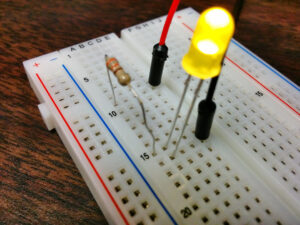
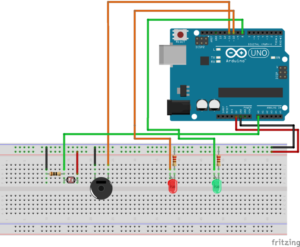
The physical layout of this build requires a bit more organization than a basic one-component test. You will need your sound sensor module, a microcontroller or comparator chip to read the signals, and a row of LEDs with their corresponding current-limiting resistors. Start by establishing your power and ground rails on the breadboard, ensuring your sensor receives the stable low-voltage power it requires to operate accurately.
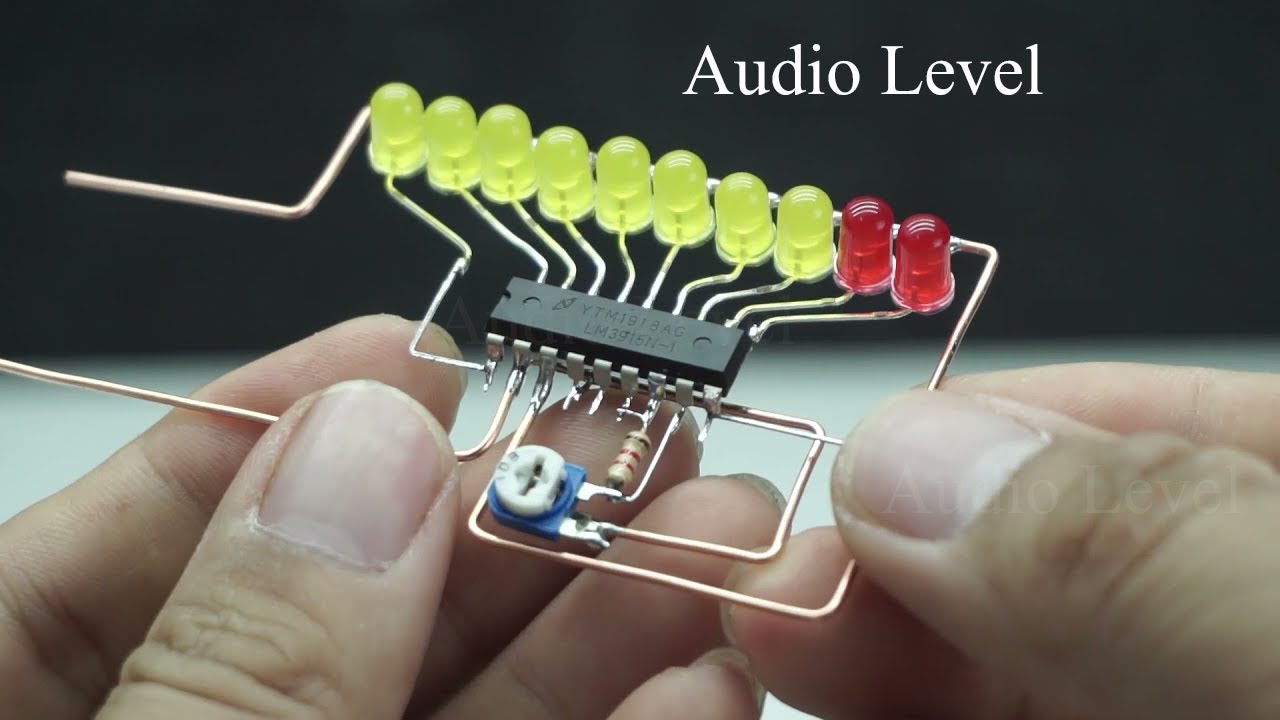
Next, you will line up your LEDs in a row. It is highly recommended to use different colors, such as green for quiet sounds, yellow for moderate noises, and red for loud peaks. This creates a much more intuitive visual display. As always, remembering the principles of understanding Ohm’s Law will help you select the correct resistor values so your LEDs shine brightly without burning out.

Translating Voltage Into Visual Feedback
The core logic of a simple sound level indicator is translating the analog voltage from the microphone into a distinct number of illuminated LEDs. If you are using a microcontroller, your code will read the sensor’s analog input pin. You will then write a series of thresholds: if the voltage crosses a low threshold, turn on the first LED. If it crosses a medium threshold, turn on the next, and so on.
Here is a quick reference table showing how the physical environment translates through the sensor and into your final visual output.
| Sound Intensity | Sensor Output | Visual Response |
| Quiet Room | Baseline continuous voltage | All LEDs remain off |
| Normal Conversation | Moderate voltage spikes | Green indicator LEDs light up |
| Loud Clap or Shout | High voltage peaks | Entire LED row flashes, including red |
Troubleshooting Common Audio Sensor Issues
If you finish wiring your breadboard and all the LEDs stay on permanently, or if they refuse to light up even when you clap loudly, the circuit is likely fine. The most common issue beginners face with audio modules is calibration. Most sound sensors feature a tiny blue box with a screw on top, known as a potentiometer. This component adjusts the sensitivity of the microphone’s amplifier.
Using a small screwdriver, you can turn this dial while making noise to find the “sweet spot” for your specific room. If the sensor is too sensitive, ambient background noise will trigger all the lights. If it is not sensitive enough, even a loud shout will not register. Adjusting this dial teaches a valuable lesson: real-world sensors almost always require calibration to work exactly the way you intend.
Expanding Your Audio Project
Once your sound level indicator is smoothly bouncing along to your favorite music or your voice, you have successfully built a bridge between audio and visual electronics. You can scale this concept up dramatically. Some builders replace the small LEDs with large, high-power light strips, or swap the visual output for a motor that dances to the beat.
For those who want to dive deeper into how microphone amplifiers process complex audio frequencies beyond just volume, the sound detector hookup guide by SparkFun is a fantastic next step. The more you experiment with audio inputs, the more interactive and lifelike your breadboard creations will become.